I installed AppVerify on my Google Cloud VM and I am not able to go past the login screen of the application. I am using Google Chrome browser and AppVerify v8.4
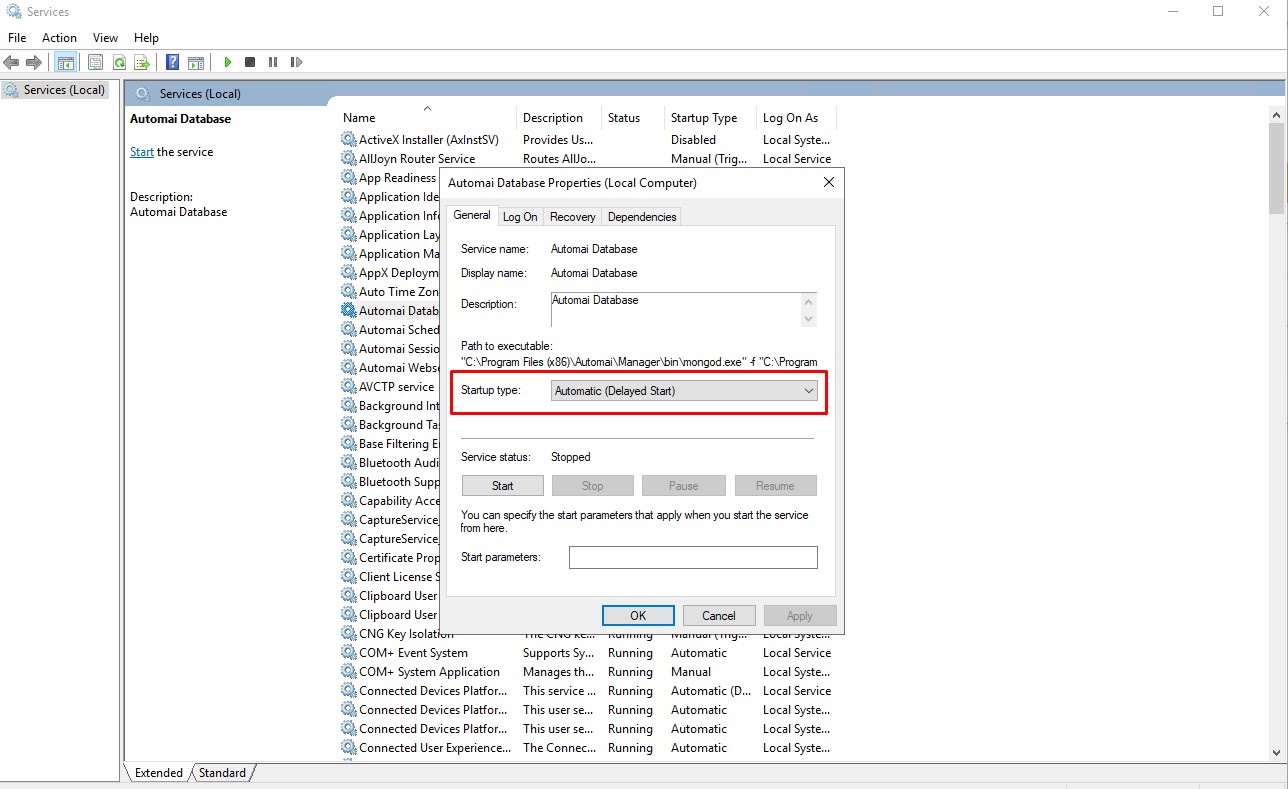
Can you check that the three windows services are started on the VM after you start it?
AppVerify uses the following windows services: “Automai Database”, “Automai Scheduler”, and “Automai Webserver”. All of the previous services need to start automatically when the machine starts.
You can check that all services are running by opening Windows Task Manager and going to the “Services” tab.
If a service is not running, then try to start it manually.
2 Likes
Thanks agrair for looking into this. The “Automai Database” windows service was not running on my VM. After starting it manually as you suggested, I am able to use AppVerify.
Is there a way to make it start automatically on the VM?